
The best Claude gaming libraries and templates
Claude writes good game code when you give it two things: a library it already knows inside out, and a template that keeps the project tidy while it works. Pick a random obscure engine and Claude will guess at the API. Pick one of the giants below and it writes like it has shipped with them for years, because in training terms, it has. We checked every repo on this page on Oct 30, 2026, and the star counts are the real numbers from that morning.
There are two layers to a good Claude gaming setup. Templates and skill packs sit on top and tell Claude how to work: what to build first, how to test, when to take a screenshot and look at its own game. Libraries sit underneath and do the actual drawing, physics and sound. Get both layers right and a playable game can land the same day you think of it. Half the games on this arcade started exactly that way.
Part one: templates that give Claude a studio
1. Claude Code Game Studios
This is the big one. Clone it and a single Claude Code session turns into a game studio: 49 specialist agents arranged like a real team (directors, department leads, then the programmers, artists and QA testers who do the work), 74 slash command skills, 15 hooks that validate as you go, and 62 document templates for design docs, sprint plans and accessibility specs. It ships engine teams for Godot 4, Unity and Unreal Engine 5.
The honest part we love: its own README tested whether all that process makes better games and reports that the heavy setting wrote 30 documents before its first line of game code and ranked last in blind playtests. So start on its minimal setting, which is the default: one short brief, then code. One rule it keeps at every setting is the right one: a change the player can see is not done until the game has been launched and a screenshot kept as proof. Start it with git clone https://github.com/Donchitos/Claude-Code-Game-Studios.git my-game, open Claude Code in the folder, and run /start.
2. awesome-gamedev-agent-skills
If Game Studios is a whole studio, this is a very good toolbox. It is 77 game development skills written for AI coding agents, covering Godot, Unity, Unreal, Phaser, PixiJS, Three.js, Bevy, pygame, LOVE, Defold and Roblox, plus cross-engine skills for game feel, level design, save systems and publishing. The clever bit is the router: it looks at your project files, works out which engine you are in, and loads only the skills that match, pinned to a stated engine version so Claude is not mixing up old and new APIs.
Its best skills hand Claude numbers instead of vibes. The game feel skill says one satisfying hit is five to eight tiny responses firing together inside about 100 milliseconds: a sound, particles, a flash, knockback, a little screen shake. That is the kind of instruction an AI can actually follow and you can actually check. Install it with npx skills add gamedev-skills/awesome-gamedev-agent-skills.
3. Vibe Jam Starter Pack
Small star count, big practical value. This pack bundles four real starter games that already run (a Phaser platformer, a 2D tactics prototype, a Three.js arena shooter and a tiny Three.js counting game) with eight shared agent skills kept at the repo root, including phaser-gamedev, threejs-builder and a Playwright testing skill that makes Claude screenshot its own canvas. It was built for game jams, which is exactly the shape of a Claude session: ship something playable fast, from a folder that is not blank. Open the repo root in Claude Code, not a subfolder, so the shared skills are in reach, then copy out the starter closest to your game.
4. The zero template: one Claude artifact, one HTML file
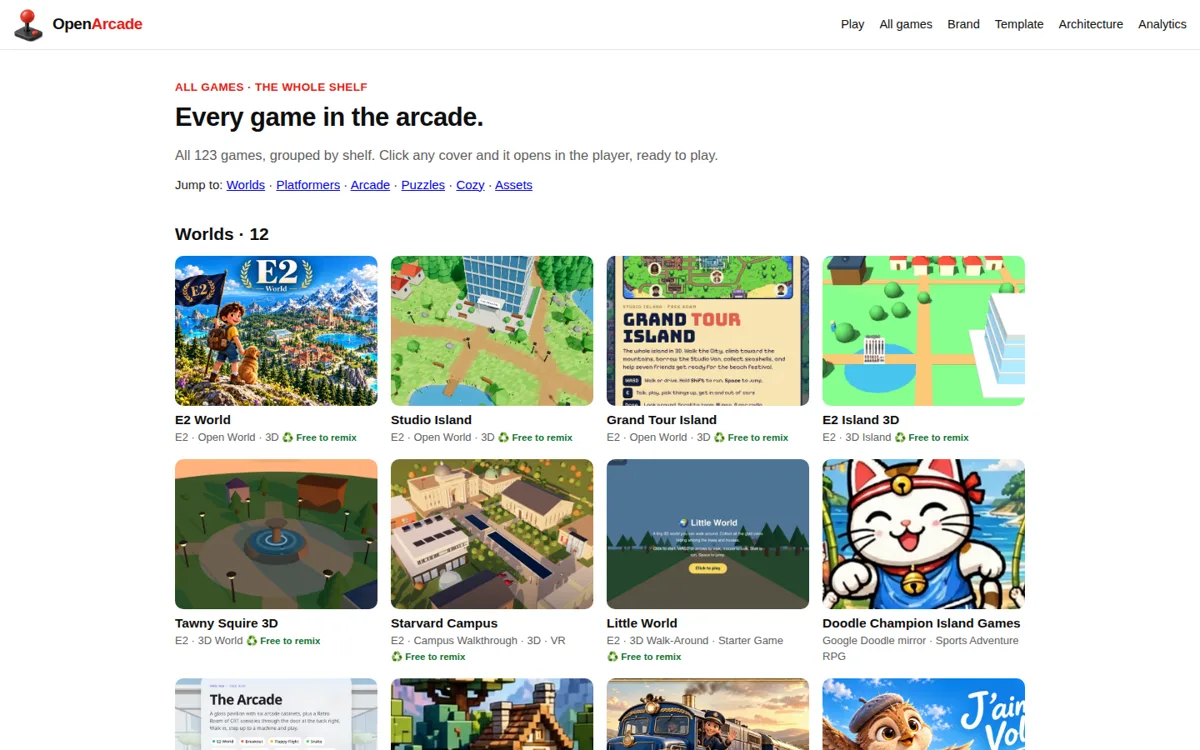
The simplest template is no template. Ask Claude in chat for a complete single file game and it will hand you one HTML file with the game inside, ready to run. That is literally how games arrive on this arcade: E2 Express was built as a Claude artifact and synced here, and our upload page takes a single HTML file and gives it its own page and cover. The artifact-game-builder skill in the claude-creative-stack repo formalizes the approach: pick an engine by size (plain Canvas 2D for a micro game, Phaser or Kaplay for a small one, Three.js for 3D), use a fixed timestep loop, and add game feel like hit stop and screen shake from the start. For a first game, start here. Move to a repo when the file gets too big to hold in one prompt.
Part two: the libraries Claude knows cold
Phaser 4: the default for 2D
Phaser is the most complete 2D web game framework there is: scenes, physics (Arcade and Matter), tilemaps, animation, cameras, particles, sound and input in one box. Claude knows it deeply, and Phaser 4 now ships its own AI agent skills inside the repo, one per subsystem, so your agent can read the framework's own notes before it writes. Start with the official template machine: npm create @phaserjs/game@latest. If your game is 2D and you have no strong reason to pick anything else, pick Phaser.
Three.js: the default for 3D
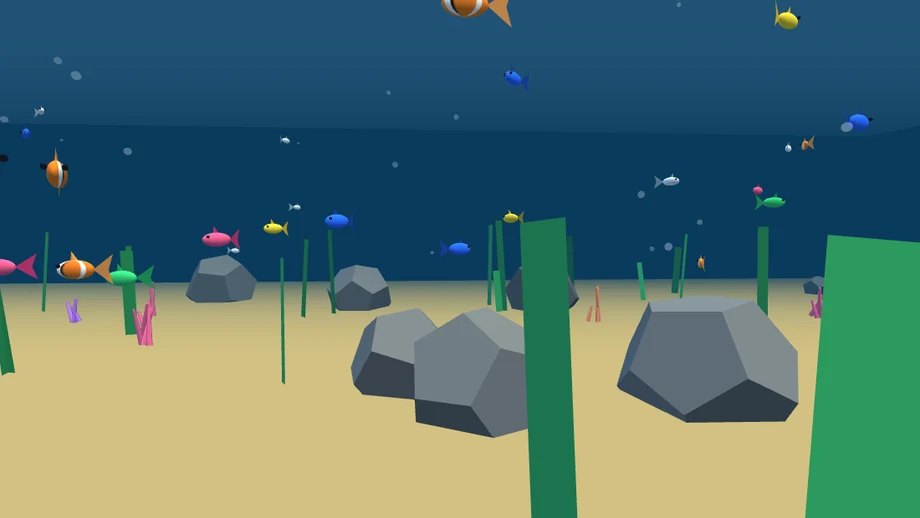
Three.js is a renderer, not a full engine: it draws the 3D world beautifully and leaves the game systems to you, which suits Claude fine because the scene, camera, renderer, animation loop pattern is probably the most repeated 3D code on the internet. This arcade runs on it: our Aquarium, a wandering fish scene with a 26 fish school, is plain Three.js, and most of the 3D worlds on the shelf are too. Pair it with the threejs-builder skill from the Vibe Jam pack when you want Claude to keep a tidy scene graph.
PixiJS: when rendering speed is the game
PixiJS is the fastest 2D renderer on the web, WebGL and WebGPU, and it is deliberately only a renderer: no physics, no scene system, you bring those. Choose it for sprite heavy games, fancy filters and custom engines where you want control. Claude writes clean Pixi because the API is small and consistent. Start with npm create pixi.js@latest.
KAPLAY: the friendliest first library
KAPLAY, the community successor to Kaboom.js, describes itself as a game library that feels like a game, and its tiny component API (add([sprite(), pos(), area(), body()])) is the easiest of all for Claude to hold in its head and for a beginner to read afterwards. It has a web editor with more than 90 examples, so you can play with a snippet before you commit. Start with npx create-kaplay my-game. For a jam game or a first game, this and Phaser are the shortlist.
LittleJS: the tiny engine with AI manners
LittleJS is a full little engine, 2D and 3D, physics, particles, sound synthesis, level editors, in a footprint of about 26 KB gzipped for a small 2D game. It was built for size limited jams, and it is unusually Claude friendly on purpose: the repo carries a CLAUDE.md and an AI section, the whole API fits in one reference file an LLM can read end to end, and there is a Vite starter you can grab with npx degit KilledByAPixel/LittleJS/examples/vite-starter my-game. When a model can read the entire engine docs in one go, its code gets noticeably better.
Babylon.js: the full 3D engine
Where Three.js is a renderer, Babylon.js is the whole engine: physics, audio, animation, GUI, WebXR and a playground full of samples. Pick it when your 3D game needs engine systems, not just drawing, and you would rather Claude configured them than invented them. It is heavier, so for a small browser game Three.js usually wins on load time alone.
Godot 4: when the game should leave the browser
Godot is the free, full game engine with its own editor, and it exports to the web as well as desktop and mobile. It matters here because the Claude tooling above aims at it first: Game Studios ships a full Godot team and the agent skills pack has 16 Godot skills, more than for any other engine. If your game might grow into a Steam release one day, start in Godot and let Claude write GDScript. If it lives on a web page, stay with Phaser or Three.js.
The quick picker
| You are making | Start with | Template or command |
|---|---|---|
| A first game, today | KAPLAY or a single Claude artifact | npx create-kaplay my-game |
| A proper 2D game: platformer, puzzler, shooter | Phaser 4 | npm create @phaserjs/game@latest |
| A 3D world in the browser | Three.js | Vibe Jam pack: toonshooter or forest-census starter |
| A sprite heavy or effects heavy 2D game | PixiJS | npm create pixi.js@latest |
| A jam game or a tiny download | LittleJS | Vite starter via degit, above |
| A big project that may ship on Steam | Godot 4 plus Game Studios | Clone the template, run /start, stay on minimal |
| A 3D game that needs engine systems and XR | Babylon.js | Its playground samples as your starters |
Four rules that make Claude's games better
- Give it numbers, not adjectives. Not 'make it juicy' but 'on a hit: 120 ms hit stop, 6 particles, a flash, 4 pixels of screen shake'. Good skill packs are just libraries of numbers like these.
- Make it look at its own game. The Game Studios rule is right: run it, screenshot it, judge the picture. Menus drawn off screen pass every code check and fail the first look.
- One system at a time. Movement, then one enemy, then scoring, then sound. Claude iterating on a running game beats Claude writing a whole game in one shot, every time.
- Build for the shelf. A game that runs as one HTML file, or builds to a static folder, can live anywhere: GitHub Pages, Cloudflare Pages, or right here. Keep it that way from day one.
Put your Claude game on this arcade
Built something with Claude? The arcade takes a single HTML file, a folder or a zip on the upload page, gives it its own page and cover, and puts it in the shuffle next to everything above. Uploads are switched on one maker at a time while we shake the bugs out, so come say hi in the Discord and show us what you made.
← All posts